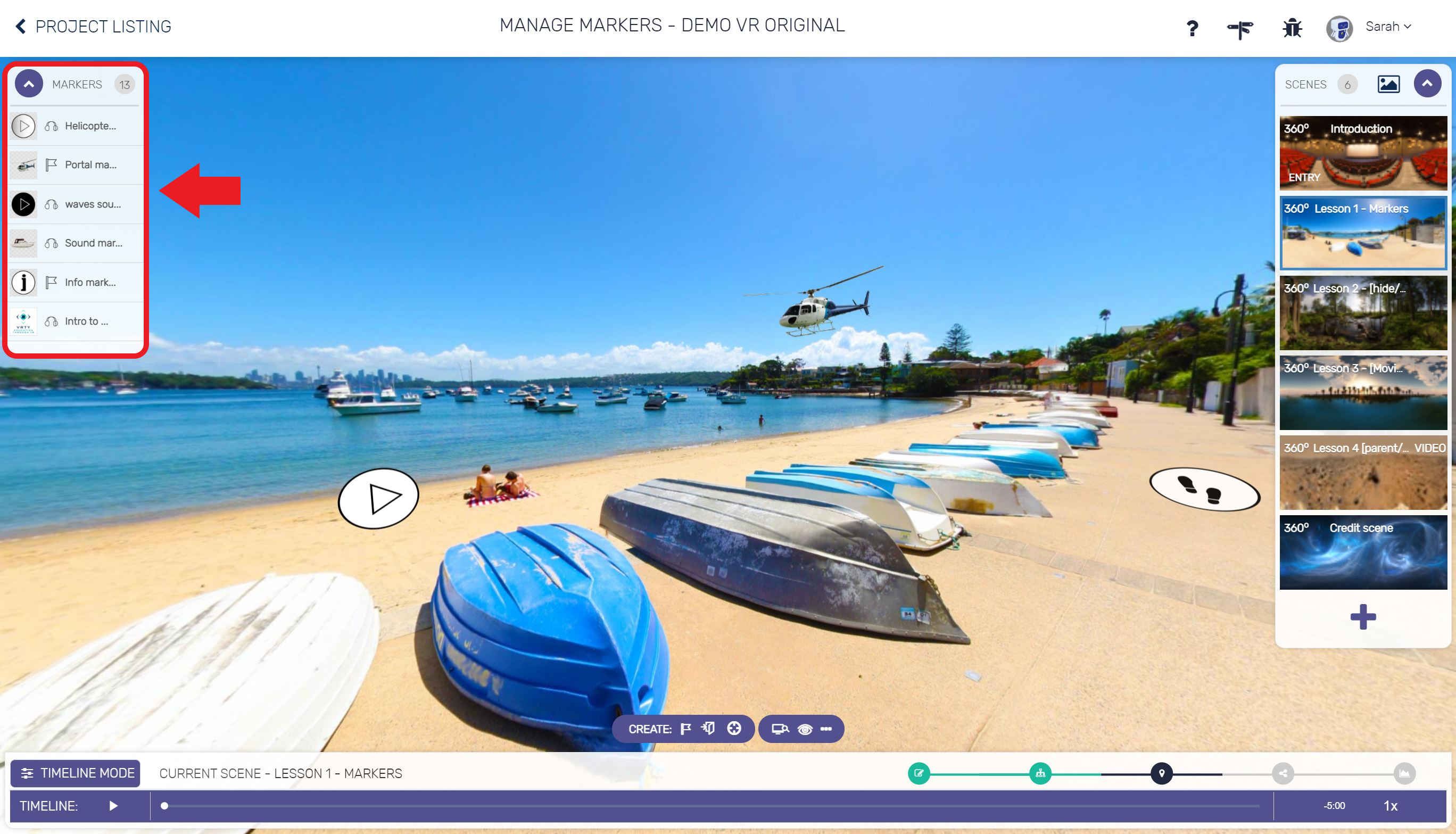
We have launched a new change on the VRTY platform – improving the way the Marker Menu is used. When you next jump into the platform, you’ll see that we have moved the marker menu from the bottom of the screen to the left-hand side, giving you back more screen real estate. You will be able to view all your markers in the one spot. Don’t worry, all the shortcuts to edit, place and delete markers will still be available in the marker menu.
If you do want to revert back to the previous version to use the timeline, click on “Timeline Mode” at the bottom-right corner of the timeline navigation bar.
Happy creating and look forward to your continued feedback.